
Result
What is a margin calculator?
A Margin Calculator works out the profit, profit margin and markup on a sale from its cost and selling price, or finds the selling price you need for a target margin. It is built for small businesses, retailers, resellers and freelancers setting prices.
How to use it
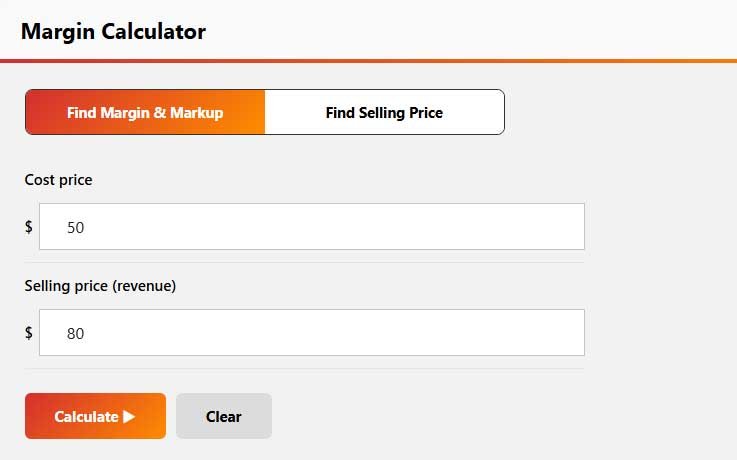
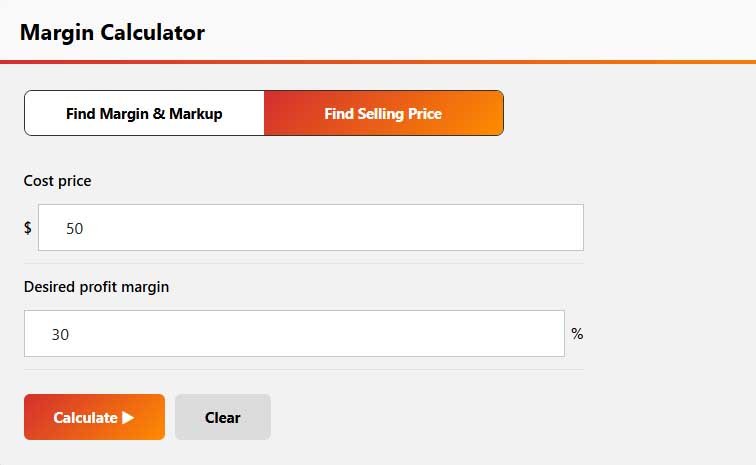
- Choose Find Margin & Markup and enter the cost price and selling price, or choose Find Selling Price and enter the cost and your desired margin.
- Click Calculate to see the profit, margin, markup or required price.
Margin and markup are often confused: margin is profit as a share of the selling price, while markup is profit as a share of the cost.
Margin formulas
Profit = Selling price − Cost
Margin = Profit ÷ Selling price × 100
Markup = Profit ÷ Cost × 100
Selling price for a target margin = Cost ÷ (1 − Margin)
Examples
- Cost $60, price $100: profit $40, margin 40%, markup 66.7%.
- Cost $120 and you want a 40% margin: price = $120 ÷ 0.60 = $200.
- A 25% markup on a $100 cost gives a $125 price, which is a 20% margin.
Converting between markup and margin
Margin = Markup ÷ (1 + Markup) and Markup = Margin ÷ (1 − Margin).
| Markup | Margin |
|---|---|
| 25% | 20% |
| 50% | 33.3% |
| 100% | 50% |
If you price by adding a markup to cost, check the resulting margin to make sure it covers your overheads.
Margin in a spreadsheet
With the cost in A2 and the price in B2, margin is =(B2-A2)/B2 and markup is =(B2-A2)/A2; format both as percentages.
This calculator is for pricing goods and services. It does not calculate margin requirements for trading accounts.
Tips
- Include every direct cost (materials, shipping, payment fees) in the cost price.
- Gross margin does not include rent, wages and other overheads; aim high enough to cover them.
- Discounts cut margin faster than they cut price: a 20% discount on a 40% margin item removes half the profit.
Frequently Asked Questions
A margin calculator is a tool that calculates profit and profit margin from the cost and selling price of a product or service. It helps businesses understand how profitable a sale is.
The basic formula is Profit Margin = (Selling Price − Cost) ÷ Selling Price × 100. The result represents profit as a percentage of the selling price.
Margin measures profit as a percentage of the selling price, while markup measures profit as a percentage of the cost. A 25% markup, for example, produces a 20% margin.
It depends heavily on the industry. Grocery retail often runs on thin margins, while software and services can be much higher. Compare your margin with similar businesses and make sure it covers all overheads.
Yes. If cost is in A2 and selling price is in B2, the basic margin formula is =(B2-A2)/B2. Format the result as a percentage to display the margin.
Disclaimer: This calculator gives estimates for general information only. It is not financial, tax or legal advice. Results depend on the numbers you enter and on simplified assumptions, so your actual figures may differ. Check important decisions with a qualified professional or the official source.
Related Calculators
For other pricing and business calculations, try these calculators.
Written by Sharp Calculator Team — we build and test every calculator on this site, checking each formula against hand-worked examples and official sources. Last updated: October 2026.