
Result
What is a percentage discount calculator?
A Percentage Discount Calculator shows the sale price and your savings when a percentage is taken off a price, or works out the discount percentage from the original and sale prices. It also handles a second discount stacked on top of the first. It is useful when shopping sales, checking coupons or setting promotional prices.
How to use it
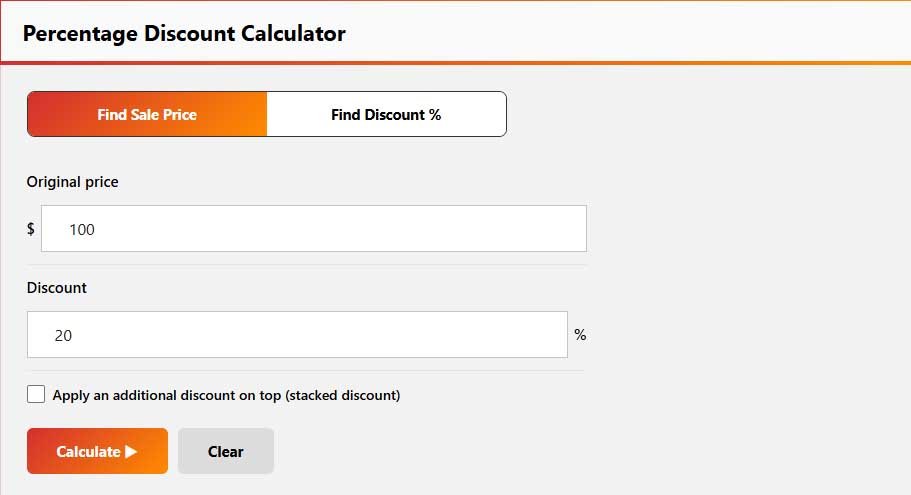
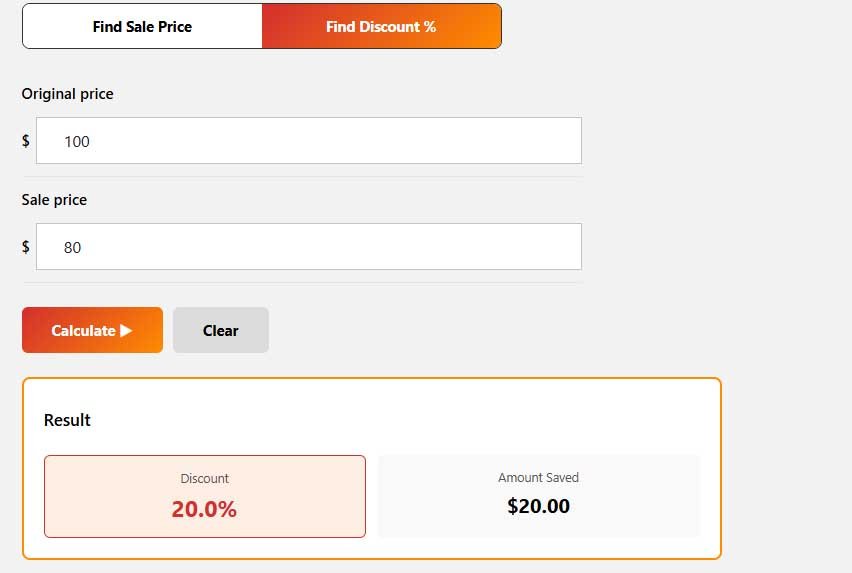
- Choose Find Sale Price and enter the original price and discount %, or choose Find Discount % and enter the original and sale prices.
- To stack a second discount, tick the additional discount box and enter its percentage.
- Click Calculate.
How Does a Discount Calculator Work?
A discount calculator uses the original price and discount rate to determine the amount taken off the price. It then subtracts the discount from the original price to show the final amount you pay.
For example, if an item costs $100 and has a 20% discount:
Discount Amount = $100 × 20 ÷ 100 = $20
Final Price = $100 − $20 = $80
You save $20 and pay $80.
This basic calculation is also useful when checking sale prices, promotional offers, coupons, and special deals.
Percentage Discount Calculator Formula
The standard percentage discount calculator formula is:
Discount Amount = Original Price × Discount Percentage ÷ 100
To find the final price:
Final Price = Original Price − Discount Amount
You can also calculate the final price directly:
Final Price = Original Price × (1 − Discount Percentage ÷ 100)
For example, suppose a jacket costs $250 and is advertised at 30% off.
Discount Amount = $250 × 30 ÷ 100 = $75
Final Price = $250 − $75 = $175
Therefore, the customer saves $75 and pays $175.
How to calculate a discount percentage
When you know the original and sale prices:
Discount % = (Original price − Sale price) ÷ Original price × 100
For example, a product that was $120 and is now $90 has a discount of ($120 − $90) ÷ $120 × 100 = 25%, a saving of $30.
Double Discount Calculator
Two discounts applied one after another should not normally be added together.
For example, suppose an item costs $100 and receives a 20% discount followed by another 10% discount.
First discount:
$100 − 20% = $80
Second discount:
$80 − 10% = $72
The final price is $72.
The total savings is $28, which means the effective discount is 28%, not 30%.
A double discount calculator is useful for retail sales, coupon combinations, clearance offers, and promotions where multiple discounts are applied sequentially.
Discount Calculator With Tax
Some purchases include sales tax or VAT, so it is important to know whether tax is calculated before or after the discount. Many checkout and invoicing situations apply the discount first and then calculate tax on the reduced amount, although tax rules can vary by location and transaction type.
For example, assume:
Original price = $100
Discount = 20%
Tax = 10%
First calculate the discount:
$100 − $20 = $80
Then calculate 10% tax:
$80 × 10% = $8
Final price:
$80 + $8 = $88
A discount calculator with tax can therefore help you estimate the final amount when both a discount and tax are involved.
How to find the original price after a discount
Original price = Sale price ÷ (1 − Discount % ÷ 100)
An item that costs $80 after a 20% discount originally cost $80 ÷ 0.80 = $100.
Discount amount vs. discount percentage
The discount amount is the money you save; the percentage compares that saving with the original price. A $50 reduction on a $200 item is a 25% discount. The math is the same in any currency.
Tips
- Compare the final price, not the percentage: 30% off a higher price can still cost more.
- Two discounts of 20% and 10% give 28% off, not 30%.
- Check whether a coupon applies before or after other discounts.
Frequently Asked Questions
Multiply the original price by (1 − discount ÷ 100). For example, $250 at 30% off is $250 × 0.70 = $175, a saving of $75.
Multiply the original price by 20 and divide by 100. For example, 20% of $100 is $20. Subtract $20 from $100 to get a final price of $80.
The basic formula is:
Discount Amount = Original Price × Discount Percentage ÷ 100
The final price is the original price minus the discount amount.
Subtract the sale price from the original price, divide the result by the original price, and multiply by 100.
Discount Percentage = (Original Price − Sale Price) ÷ Original Price × 100
Apply the first discount to the original price. Then apply the second discount to the reduced price. Do not simply add the two percentages together.
For example, 20% followed by 10% on $100 results in a final price of $72.
Disclaimer: This calculator gives estimates for general information only. It is not financial, tax or legal advice. Results depend on the numbers you enter and on simplified assumptions, so your actual figures may differ. Check important decisions with a qualified professional or the official source.
Related Calculators
For other shopping and pricing calculations, try these calculators.
Written by Sharp Calculator Team — we build and test every calculator on this site, checking each formula against hand-worked examples and official sources. Last updated: October 2026.