
Calculate Average Annual and Cumulative Returns easily
Cash Flow Activities
Results
Enter return percentages and holding period (years/months) for each interval.
Results
What is an average return calculator?
An Average Return Calculator measures how an investment has actually performed. The Cash Flow Return tab uses your starting and ending balances, dates and any deposits or withdrawals to find the average annual return (an IRR). The Holding Length Return tab combines a series of returns over different periods into a cumulative return and an annualized average. It is useful for checking a brokerage account, a 401(k) or a fund over several years.
How to use it
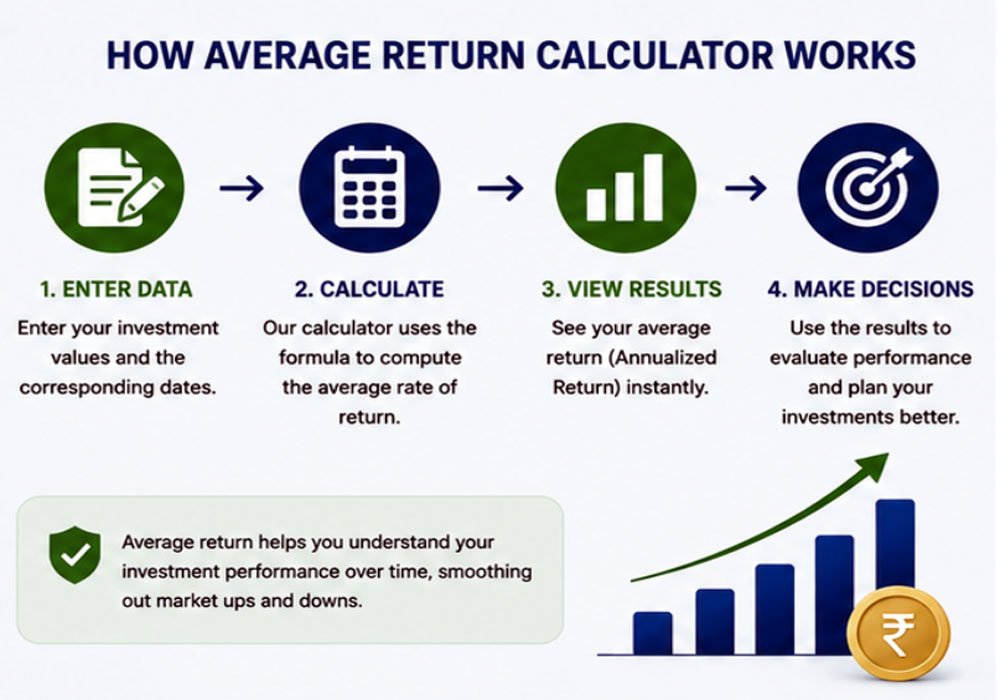
- Cash Flow Return: enter the starting balance and date, the ending balance and date, and each deposit or withdrawal with its date. Click Calculate.
- Holding Length Return: enter each period’s return (%) and how long it lasted in years and months. Click Calculate.
Average return formulas
Simple (arithmetic) average return = (R1 + R2 + … + Rn) ÷ n
Annualized (geometric) return = [(1 + R1) × (1 + R2) × … × (1 + Rn)]^(1/n) − 1
The calculator shows the annualized figure, because that is the rate your money actually grew at.
Why the two can differ
Suppose an investment gains 50% one year and loses 50% the next. The simple average is (50% − 50%) ÷ 2 = 0%, but $100 becomes $150 and then $75, a real loss of 25%. The annualized return is (1.5 × 0.5)^(1/2) − 1 ≈ −13.4% a year.
Example: simple return
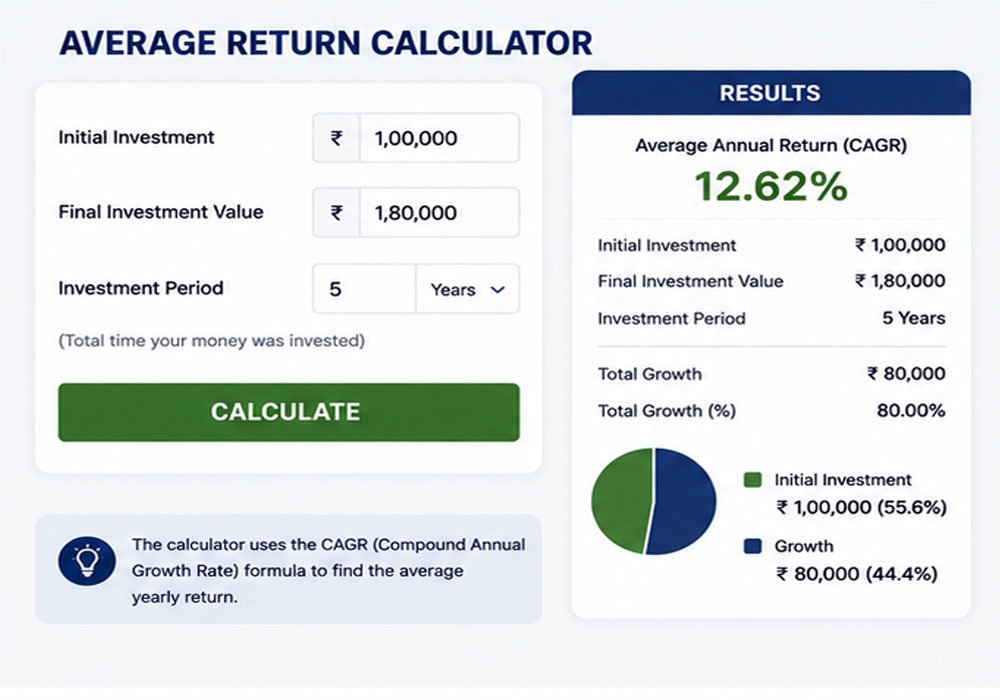
An investment grows from $10,000 to $12,000 with no deposits or withdrawals. The total return is ($12,000 − $10,000) ÷ $10,000 = 20%. If that took two years, the annualized return is 1.2^(1/2) − 1 ≈ 9.5% a year.
Returns with deposits and withdrawals
If you added or took out money along the way, simply comparing the starting and ending balances overstates or understates your return. The Cash Flow Return tab treats each deposit and withdrawal as a dated cash flow and finds the single yearly rate that links them all, which is a money-weighted return or IRR. For cash flows that happen once a year, the IRR Calculator does the same job.
How to Calculate Average Annual Return in Excel
Investors can calculate average annual returns in Excel by entering the annual return percentages into separate cells and using the AVERAGE function. For example, if annual returns are entered in cells B2 through B6, the basic calculation can be written as:
=AVERAGE(B2:B6)
This method provides the arithmetic average of the listed annual returns. However, when measuring investment growth over several years, investors may also consider compound annual growth rate (CAGR), which accounts for the effect of compounding and may provide a different perspective on long-term performance.
For the annualized (geometric) average of returns in B2:B6, use =GEOMEAN(1+B2:B6)-1 (entered as an array formula in older versions of Excel).
Frequently Asked Questions
A 7% annual return can be used as a hypothetical long-term assumption for some investment calculations, but it is not guaranteed. Actual returns depend on the investment, market conditions, fees, taxes, inflation, and the period being analyzed.
Add the returns for all periods together and divide the total by the number of periods. The Average Return Formula is: Average Return = Sum of Periodic Returns ÷ Number of Periods.
It depends on the return. At an assumed 7% a year it would grow to about $3.87 million in 20 years; at 5%, about $2.65 million. Returns are not guaranteed.
The average (arithmetic) return adds up yearly returns and divides by the number of years. The annualized (geometric) return is the steady yearly rate that would produce the same final balance. Because losses hurt more than equal gains help, the annualized return is never higher than the simple average.
Deposits raise your balance without being investment gains, so they must be separated out. Enter them in the Cash Flow Return tab with their dates and the calculator removes their effect.
Disclaimer: This calculator gives estimates for general information only. It is not financial, tax or legal advice. Results depend on the numbers you enter and on simplified assumptions, so your actual figures may differ. Check important decisions with a qualified professional or the official source.
Related Calculators
To analyze your investments in other ways, try these calculators.
Written by Sharp Calculator Team — we build and test every calculator on this site, checking each formula against hand-worked examples and official sources. Last updated: October 2026.